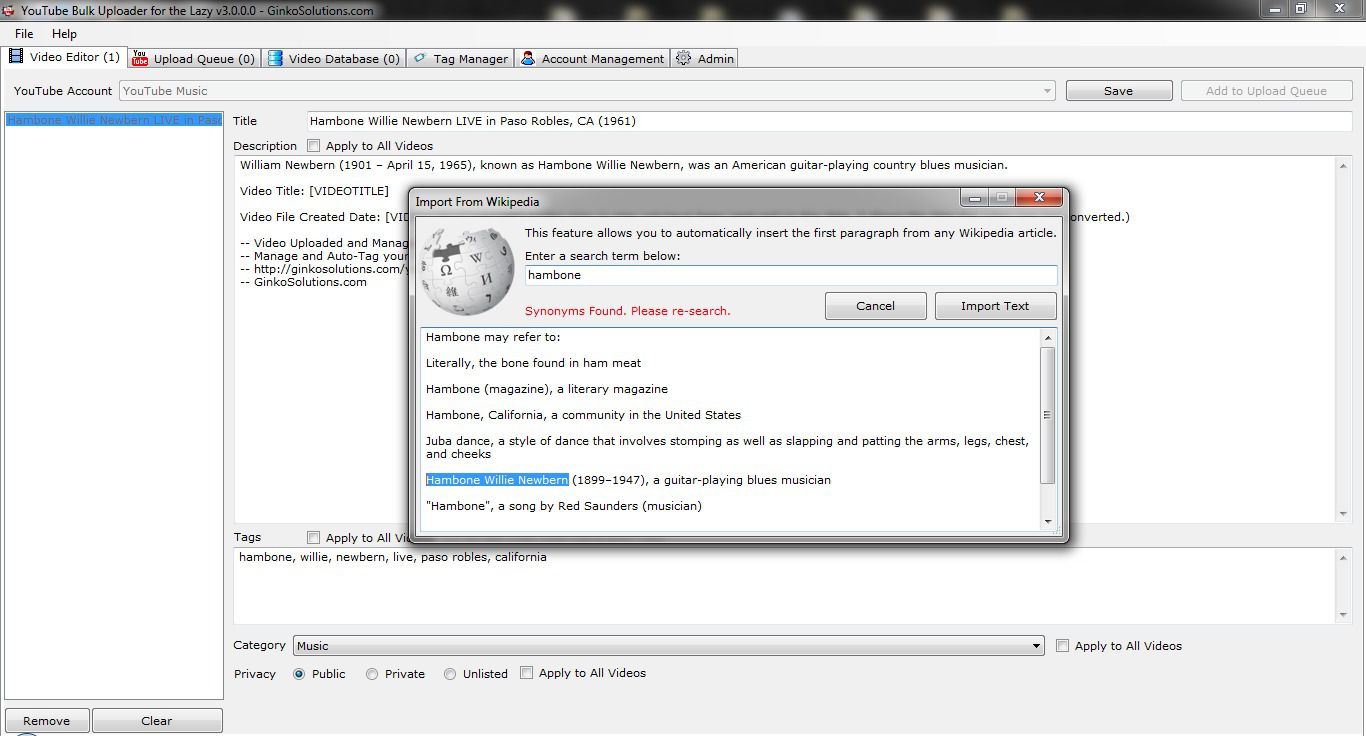
Are you someone who regularly uploads videos to YouTube and finds it taking up a lot of time? In such a case, you can help yourself with this intuitive application called YouTube Bulk Uploader for the Lazy, which helps you automate most of the repetitive tasks.
Getting started
The application does not even have to be installed - all you have to do is unzip the archive and click on the app's executable file. A simple interface opens up where you first need to enter your YouTube channel's name, at which time you will also have to enter the app's license information.
Once the channel has been added, access to all of the application features becomes available. There is no limit on how many channels you can add, but access to each one obviously needs to be granted before you can upload to it.Editing and scheduling
You can then start using the Video Editor to edit the meta information of the videos and add them to the queue for upload. You can also tag the videos, set their upload priority, manage accounts, and finally initiate the batch uploading process.Offline support
YouTube Bulk Uploader for the Lazy also offers useful features such as automatic keyword, title, and description generation. You can even edit and add videos to the queue while offline, which can then be uploaded once you are back online. It also lets you pause and resume videos at any time, use CSV import and export functionality, and more.
So, if you are someone who needs to regularly upload videos to YouTube, YouTube Bulk Uploader for the Lazy can genuinely help you save time and effort in doing just that. It requires a purchased lifetime license that includes one year of free updates, though the final cost depends on any active promotions.